
CPU and memory
CPU capacity affects how quickly compute-heavy work can execute, while RAM affects how much active application state the system can hold without relying heavily on slower storage.
Altox Cloud provides VPS hosting and Windows Server RDP services, together with technical documentation that explains the infrastructure behind a server before you deploy it.
The platform is structured for people who want a clear path from choosing a server to understanding its operating environment. Compare the available CPU families, understand virtualization and storage, review security responsibilities, and then use the client area for ordering and account management.
Altox Cloud is organized around a simple idea: a server is more than a plan name. CPU architecture, memory, storage, networking, the operating system, security controls and the way you operate the machine all influence the result.
That is why the Altox Cloud website combines direct service routes with longer technical guides. The service area is where you choose a product. The documentation is where you learn what the product category means, how virtual machines work, how storage is presented to applications, and what routine administration looks like after deployment.
This separation also keeps commercial information and educational information distinct. Current ordering details belong in the client store, while concepts that remain useful across providers are explained in the guides.

Learn the basics, compare the service categories, then open the relevant Altox Cloud client route without searching through unrelated pages.
A practical server setup is a chain of connected systems. Understanding each layer makes it easier to choose a service, configure an operating system and troubleshoot problems later.
CPU capacity affects how quickly compute-heavy work can execute, while RAM affects how much active application state the system can hold without relying heavily on slower storage.
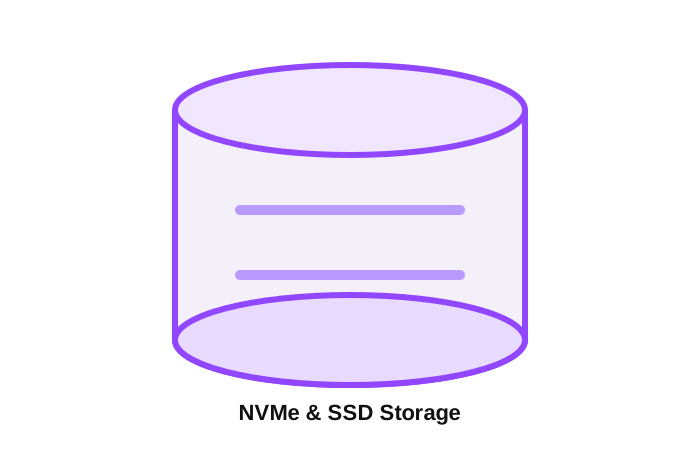
Operating systems, application files, databases and logs all depend on persistent storage. Capacity is only one part of the decision; I/O patterns and recovery requirements matter too.
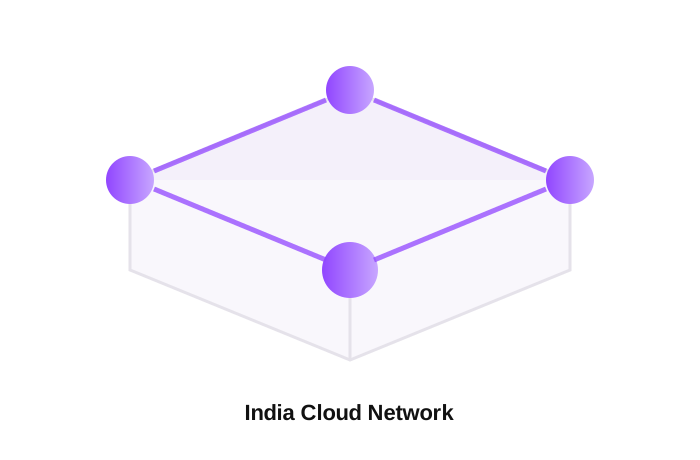
Applications communicate through network interfaces, routes, DNS and ports. Good deployments expose the services they need and restrict everything else.
The operating system determines how you install software, manage users, run services, apply updates and administer the machine. Choose around the application, not just familiarity.
Patching, access control, logs, monitoring and backups are part of operating the server. Provisioning is the beginning of the lifecycle rather than the end.
These service cards are direct entry points to the current Altox Cloud client-store routes. Product specifications, pricing and availability should be confirmed in the client area before purchase.
A virtual server route for websites, applications, development environments and general server workloads that use Intel Xeon compute.
Open Intel Xeon VPS →
A virtual server route for compute-oriented applications and workloads that are designed around AMD EPYC processor platforms.
Open AMD EPYC VPS →
A VPS route for development, websites, applications and other workloads where the available Ryzen platform matches the required resource profile.
Open AMD Ryzen VPS →
Windows Server remote desktop infrastructure for legitimate administration, development, testing and remote access to applications.
Open Windows Server RDP →A more expensive or newer-sounding CPU is not automatically the right choice. Application behavior, memory requirements, storage access, network conditions and the operating system should guide the decision.
The right workload determines the right configuration. The examples below describe common categories rather than promising a specific performance result.
Run a web server, application framework, database and supporting services on a server you can administer directly. Resource planning should include peak traffic and background tasks.
Use an isolated environment for development builds, package testing, staging applications, CI-related workloads or experiments that need server-level access.
Persistent services such as databases need deliberate storage, memory, access control, backups and maintenance practices. Monitoring is important as the dataset grows.
Game servers, chat bots, community tools and supporting services often benefit from predictable resources and the ability to manage the operating environment directly.
Windows RDP can provide remote access to an authorized Windows Server environment for administration, testing and supported applications.
File services, backup helpers, monitoring tools and internal utilities can run beside a primary workload when the system is sized and secured for the combined use.
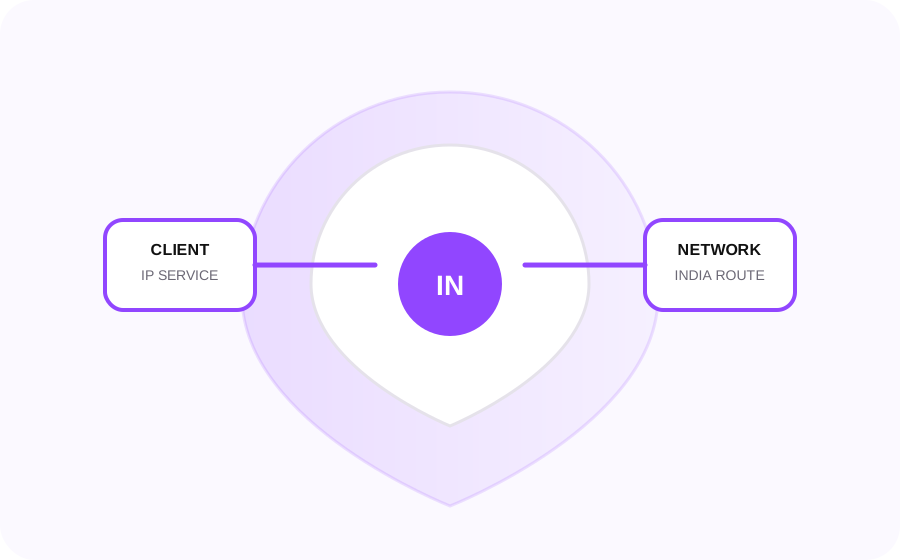
Altox Cloud also presents an India-focused IP service option for customers who require an India-based IP environment for legitimate IRCTC-related workflows. This is an Altox Cloud offering and is not affiliated with or operated by IRCTC.
Availability, allocation method, pricing and current usage conditions can change. Review the current client-area information before ordering and use the service only for lawful activity that complies with the relevant platform rules.
Open Client AreaProduct names are useful entry points, but workload characteristics are more important than a label. Use this checklist before selecting a service.
Is the application mostly single-threaded, parallel, bursty or continuously compute-heavy? This affects how you interpret vCPU requirements.
Estimate the operating-system overhead plus the application, database, cache and concurrent processes. Leave practical headroom for peaks.
Separate capacity from I/O behavior. A dataset can fit on disk while still needing a storage configuration that matches its access pattern.
List the ports and external services that are actually required. Minimize public exposure and use authentication and encryption appropriate to the workload.
Decide who will maintain the operating system, applications, certificates, accounts, firewall rules, logs and scheduled jobs after provisioning.
Decide what needs to be restored, how quickly it needs to be restored and where the backup data should live before the system becomes business-critical.
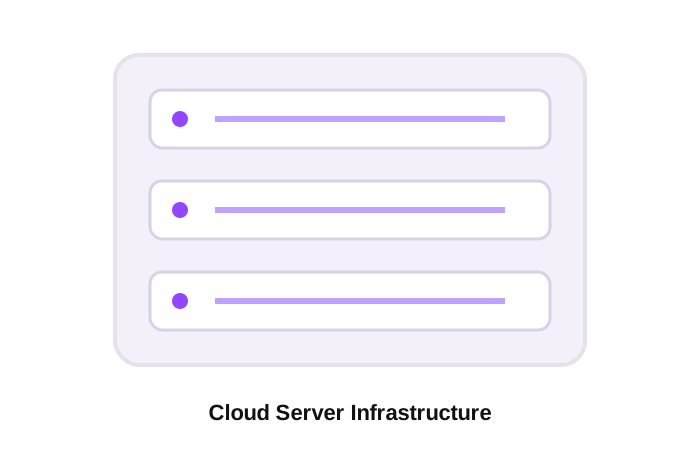
A virtual private server is a virtual machine presented as an independently managed server environment. You work with an operating system, users, software, network services and storage inside that virtual environment.
When people search for phrases such as cheap VPS , cheap VPS India , VPS cost , VPS hosting India or VPS server , the important next step is to look beyond the headline price. Consider processor family, vCPU allocation, RAM, storage, bandwidth, location, operating system, management model and the actual workload.
Read the complete VPS hosting guide →Virtualization adds a software layer between physical resources and virtual machines. Learning the model makes terms such as hypervisor, vCPU, virtual disk and virtual network easier to understand.
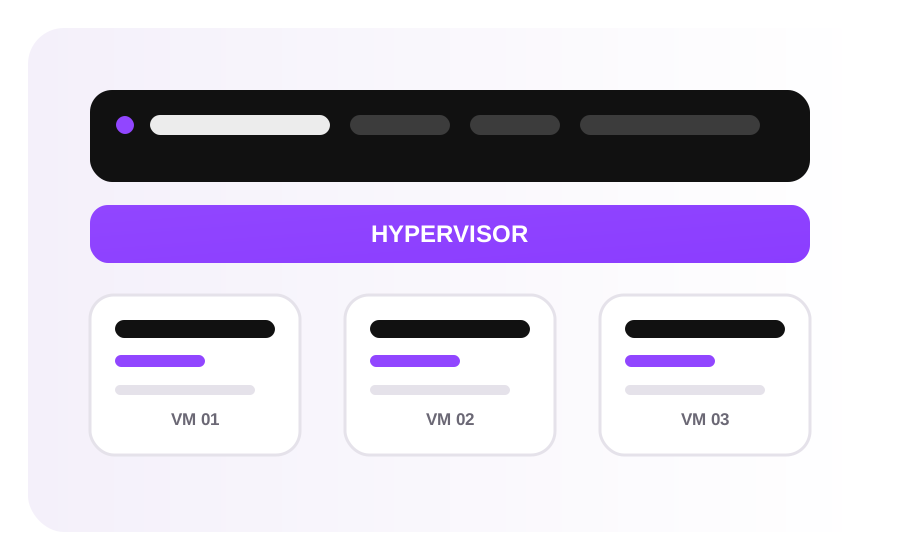
See how CPU, memory, storage and networking are presented to an isolated virtual machine.
Read the virtualization guide →
Understand Type 1, Type 2 and KVM concepts without treating the terms as interchangeable.
Learn about hypervisors →
Explore the relationship between virtual machines, physical hosts, resource scheduling and cloud platforms.
Explore the guide →Once a VPS or Windows Server is active, the workload enters an operational phase. Software has to be updated, access has to be controlled, logs have to be reviewed and resource usage has to be understood. A server can be technically online while still being poorly maintained, so operational discipline matters just as much as initial configuration.
For Linux systems, that often means working with users, file permissions, services, processes, package management, logs and network diagnostics. For Windows systems, the same broader principles apply through the appropriate administrative tools, update mechanisms, event logs, account controls and remote access settings.
Backups are another separate concern. A copy of data is only useful when it can be restored in the required form and timeframe. Important data should therefore have a documented recovery method, and restoration should be tested rather than assumed.
Keep the operating system and application stack on a defined maintenance cycle.
Use strong authentication, least-privilege access and an appropriately configured firewall.
Track resource usage, service errors, authentication events and application health.
Maintain backups and make sure restoration steps are documented and testable.
Keep notes on ports, DNS, service accounts, dependencies, certificates and rollback steps.
The Altox Cloud service catalog includes India VPS routes and a Windows Server RDP route. Location can be relevant to user proximity, application requirements, network design and operational preferences, but location alone does not determine application performance.
When evaluating an India VPS, consider the complete service configuration alongside your workload. For a latency-sensitive application, measure the real paths your users and dependent services will take. For a database-heavy workload, examine storage behavior and memory requirements. For a web application, evaluate application response time rather than relying only on advertised network capacity.
Review VPS planning guidance →
The Altox Cloud documentation is intentionally practical. Each guide focuses on a technical concept that helps you understand or operate a server rather than repeating the same sales copy across multiple pages.
Learn what a VPS is, where it fits between shared and dedicated hosting, and how to think about CPU, RAM, storage, network and administration requirements.
Open guide →
Understand virtual machines, hypervisors, virtual CPUs, memory presentation, virtual disks, networking and the relationship between VMs and containers.
Open guide →
Explore file, block and object storage concepts, NAS architecture, protocols, capacity planning, backup design and recovery considerations.
Open guide →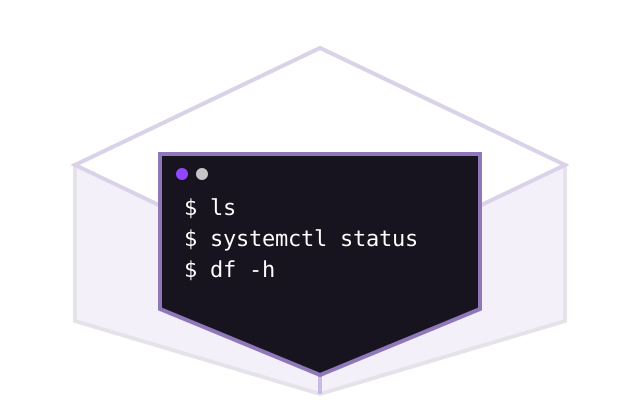
Use a practical reference for navigation, files, permissions, users, processes, services, networking and safe troubleshooting workflows.
Open guide →
Understand legitimate Remote Desktop workflows, access controls, hardening, performance diagnosis and troubleshooting for Windows Server.
Open guide →
Get direct answers about VPS selection, server administration, billing, account management, storage, security and service policies.
Open FAQ →Hosted infrastructure removes the need to own physical hardware, but it does not remove the operational decisions that come with running software on an internet-connected machine.
Protect account credentials, separate administrative access where appropriate and remove unused access paths. Avoid sharing root or administrator credentials when a more limited account will do the job.
Keep the operating system, application stack, dependencies and exposed services current. Test significant changes before applying them to a workload that matters.
Watch resource use and errors over time. A gradual increase in memory, storage or request load can be easier to fix when you see the trend before it becomes an outage.
Know what data is essential, where backups live and how you would restore the service after a failed update, accidental deletion or infrastructure incident.
Use the client area to review current commercial offerings, or open the technical guides when you want to understand the infrastructure before making a decision.